Running 20+ Client Accounts Solo: Review by Exception
Going from 16 client accounts to 24 doesn't make the job 50% harder. It breaks the method.
At 16 you can still give every account the same weekly look: search terms, bids, budgets, a glance at conversions, a report at the end of the month. At 24 that same routine is a full week of looking, and none of it is improving anything. You spend the day reacting, a couple of clients start asking to pause, and the accounts that needed real work get the same ten minutes as the ones that were fine.
Some version of this came up in a handful of threads across r/PPC and r/SEO in a single week this November: specialists who'd taken on more accounts and were falling behind, people trying to explain results to clients who didn't trust the dashboard, and people comparing tools because they were drowning in tabs. The fix most of them were circling is the same one. Stop reviewing everything. Review by exception.
This is how I'd set that up. Wherever I describe how a Google tool behaves, I've linked to Google's own documentation, and I checked every one of those pages on 11 November 2026.
Split the week into two kinds of work
Most of what eats a specialist's week is checking. Checking is necessary, but it isn't the work clients pay for. The trick is to make checking small and boring, so that the time left over goes to the accounts that actually moved.
That means two separate routines:
- A daily check that answers one question: which accounts need me today?
- Fixed deep-work slots where you do the improving: search terms, structure, landing pages, tests.
The daily check is not the place to fix anything. It sorts. If it takes more than 20 minutes for 24 accounts, it's doing too much.
Step 1: the daily "who needs me" check
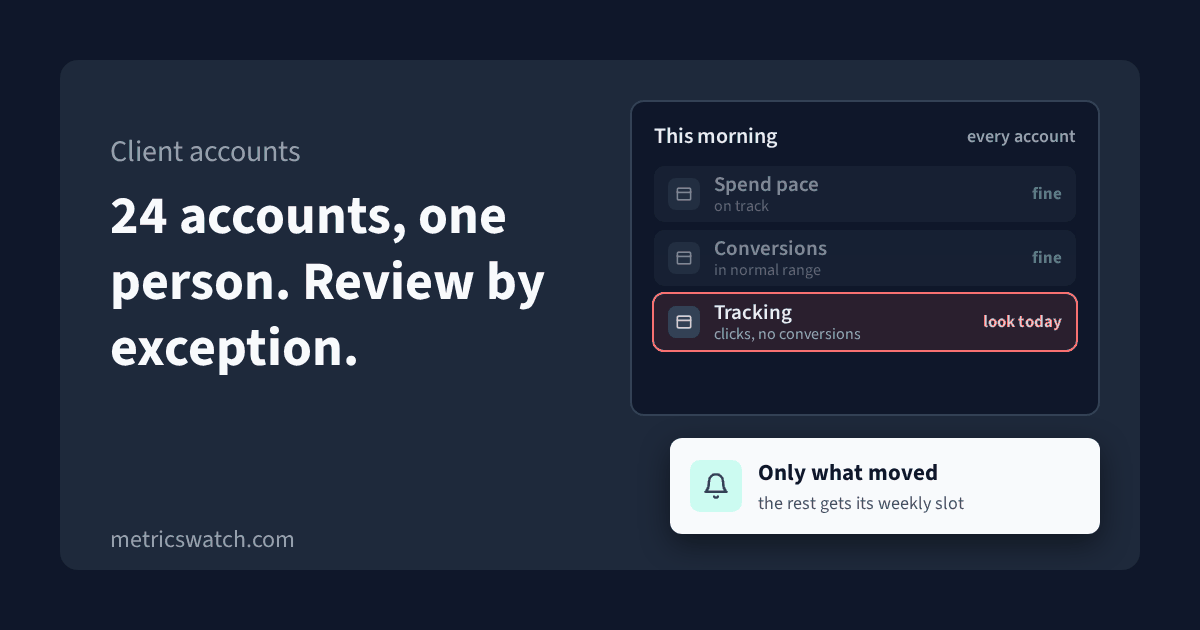
For each account you want three answers, and nothing else.
Is spend on pace?
Compare spend so far this month against where it should be by today. Don't panic at a single heavy day. Google says that on a given day a campaign might spend up to twice its average daily budget, and that over a month it won't spend more than 30.4 times the average daily budget (Google Ads Help: About overdelivery and your average daily budget). So one day at double is normal. Several days running hot, or a campaign that's spent nothing since yesterday morning, is not.
What you're looking for is a broken pace: way ahead, way behind, or flat zero. Either direction is a conversation with the client, and both are much cheaper to have in week one than in week four.
Are conversions in their normal range?
Compare the last few days with the same days over the previous two weeks, not with yesterday. Small accounts are noisy, and a day-on-day comparison will send you chasing a Tuesday that was just a quiet Tuesday.
Two things will make a healthy account look sick if you forget them:
- Google Ads reports a conversion on the date of the ad impression, while other reporting tools report it on the date the conversion happened. Google calls this conversion delay (Google Ads Help: Data discrepancies). The last few days in Google Ads will often fill in later.
- GA4 says its data processing can take 24 to 48 hours, and numbers in reports can change during that time (Analytics Help: Data freshness). Yesterday in GA4 isn't final yet.
So judge the last complete days against a two-week baseline, and treat today and yesterday as provisional.
Is tracking still firing?
This is the one that hurts most when it's missed. A form plugin update, a new cookie banner or a checkout change can stop conversions from being recorded while traffic and spend look normal. Bidding then optimizes toward nothing, and you find out at month end when the report looks terrible.
The tell is easy to spot once you look for it: clicks and sessions steady, conversions at zero or near it. Calls and forms don't usually stop together, so a zero on one conversion action while the others carry on is worth a look the same day. If your clients sell online, I wrote up how to tell a normal gap from a broken tag in why GA4, your store and Google Ads show different order counts.
Make the check come to you
Opening 24 accounts every morning is still 24 logins. The better version is that nothing arrives when things are fine and a message arrives when they aren't.
Google Ads has some of this built in. Automated rules can take an action or send you an email when conditions you set are met, and Google pitches them as a way to cut down the need to monitor campaigns (Google Ads Help: Set up automated rules). A rule that emails you when an account's conversions for the week are below a floor, or when cost is running well over pace, turns a morning of checking into a short inbox.
Whatever you use, set the thresholds per account. A healthcare client at $1,000 a month and an e-commerce client at $5,000 have very different normal days, and one shared threshold will either spam you about the small one or miss the big one.
Ready to streamline your reporting?
MetricsWatch pulls twelve sources into one white-label report, delivered on your schedule: Google Analytics, Google Ads, Google Search Console, Google Business Profile, Google Sheets, Microsoft Advertising, Facebook Ads, Facebook Pages, Instagram, LinkedIn Ads, LinkedIn Pages, and Mailchimp. Starts at $49/month. 14-day free trial, no credit card required.
Step 2: fixed deep-work slots
Once the daily check is sorting the accounts, the rest of the week can be planned instead of reacted to.
The simplest version is a rotation. With 24 accounts and four or five working days, each account gets one fixed slot every week or every other week. In that slot you do the real work for that one account: search term review and negatives, ad copy, landing page checks, structure, whatever its plan says is next.
A few rules make the rotation hold up:
- One account per slot. Doing negatives for all 24 accounts on Monday morning is just the old routine with a new name.
- The daily check can bump a slot, nothing else can. If an account is on fire, it gets attention today. If it's not, it waits for its slot, even if the client emails.
- Write down what you did and what's next. Two lines per account per slot. Next time it comes round you start from the note, not from scratch, and it gives you the material for the monthly report.
- Keep onboarding out of the rotation. A new client launch is a project. Give it its own block, or it will eat the slots of the accounts that are already paying.
Accounts that need more than their slot most weeks are telling you something. Either the scope is bigger than the retainer, or the account is set up in a way that needs constant hands. Both are worth raising with the client rather than absorbing.
Step 3: take the monthly report off your plate
If every client report is built by hand, 24 clients is a lost day or two every month. That's time the rotation can't give back.
The fix is to make the report the same every month and send it on a schedule, so the only part you write is the part that needs a human.
- Same layout every month. The same handful of numbers in the same order, compared with the previous period. Clients learn to read it, and you stop answering "what am I looking at?"
- The numbers that match the agreement. If the client cares about calls, the report leads with calls, not impressions. Decide that once, at the start.
- Two sentences on top. What happened, and what you're doing next. That's the part that builds trust, and it's where your slot notes pay off.
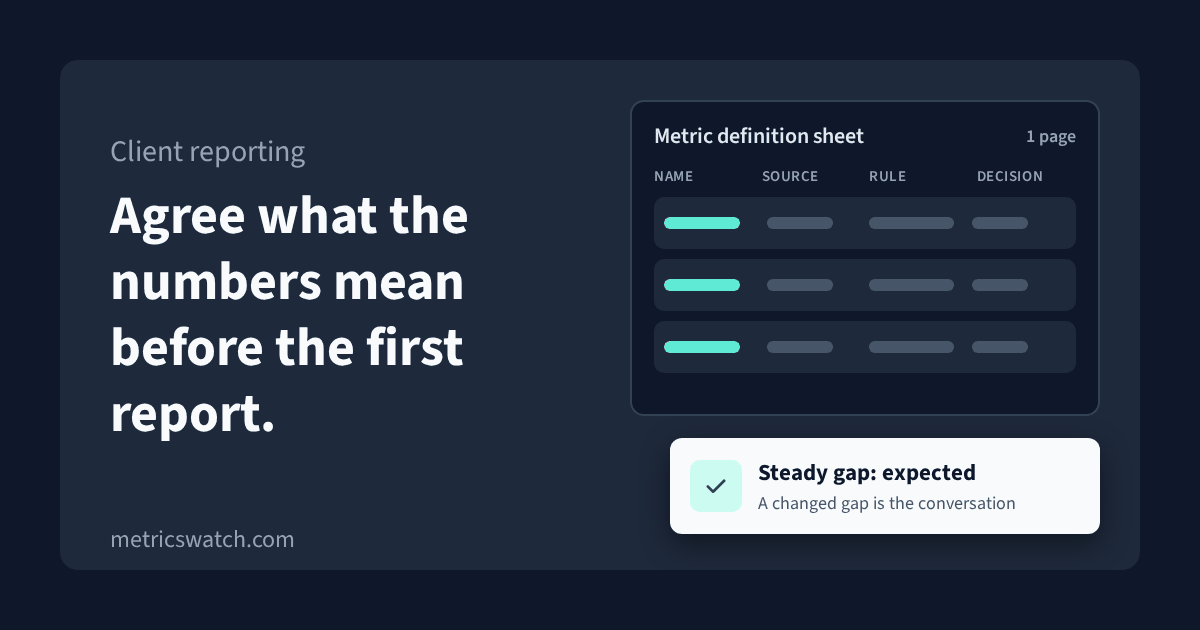
Those two sentences are also where most of the "the dashboard says something different" arguments get settled. If a client's CRM shows fewer real leads than Google Ads, the report is the place to say which number you both agreed counts for money, and whether the gap between them moved this month. A steady gap is normal. A gap that suddenly widens means something changed, and you'll usually have caught it already in the daily check.
For SEO clients the same idea holds, just slower. Rankings and traffic move over weeks, so the monthly note is where you explain what you worked on and why the results lag, in plain language, before the client has to ask.
What a week looks like
Put together, a week for 24 accounts might look like this:
- Every morning, 15 to 20 minutes: read the alerts and the pace check. Note which accounts need attention today.
- Firefighting, as needed: only the accounts the check flagged. Fix, tell the client if it affects them, write it down.
- The rest of the day: two or three deep-work slots from the rotation.
- One block a week: onboarding or a new launch, if there is one.
- Once a month: scheduled reports go out on their own; you write the two sentences for each.
The goal is that you spend your time on the accounts that moved, not on proving that the ones that didn't move are fine.
Checklist
- Each account has a monthly spend target and a pace you can check against.
- Each account has a normal conversion range, judged against the last two weeks, not yesterday.
- You know which conversion actions each account relies on, and you'd notice if one went to zero.
- Today and yesterday are treated as provisional in Google Ads and GA4.
- Alerts or automated rules email you when an account is off pace or below its conversion floor.
- Thresholds are set per account, not one for all.
- Every account has a fixed deep-work slot in a rotation.
- Each slot ends with two lines: what you did, what's next.
- Onboarding has its own block, outside the rotation.
- Monthly reports use the same layout every time and go out on a schedule.
- Every report opens with two sentences: what happened, what's next.
Where MetricsWatch fits
I run MetricsWatch, so here's the short version of where it fits into the routine above.
MetricsWatch Reports sends scheduled client reports with the full report in the email body, white-labelled on every plan, so the monthly report is set up once and goes out on its own. MetricsWatch Alerts monitors GA4 traffic, conversions, events and custom metrics, and sends an email or Slack alert when a metric crosses a threshold you set. You can filter an alert by source, medium, campaign or any other GA4 dimension, so a paid traffic drop on one client's site can be its own alert.
Alerts reads GA4. It doesn't read Google Ads spend directly, so the pace check on spend still comes from Google Ads itself or from its automated rules. Both products have a free trial with no credit card.